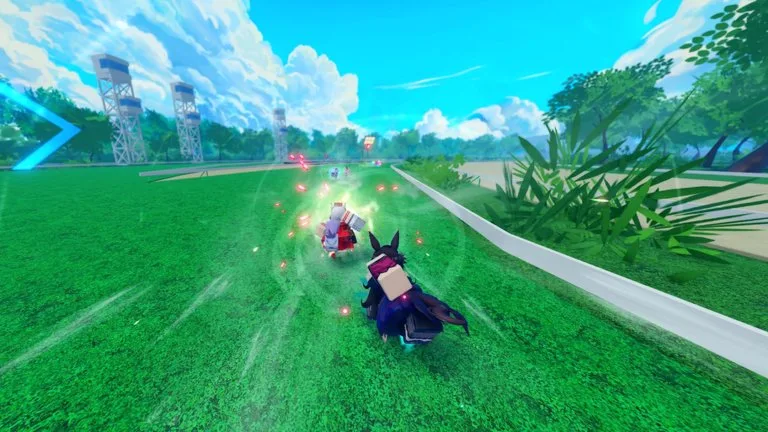
What does the current [UPD 1.5] UMA DASH UI actually have?
Read the current official [UPD 1.5] UMA DASH instructions and check that any example belongs to this game. This page does not assume a particular button or menu location.
What redemption instructions are recorded for [UPD 1.5] UMA DASH?
- Join the Krampus Studios Roblox group.
- Launch [UPD 1.5] UMA DASH on the account that should receive the reward.
- Finish the tutorial if the codes field is not on the settings panel yet.
- Open Settings with the cogwheel in the top-left corner.
- On console, press RT or R2 to redeem.
- Paste the code exactly, including capitals and exclamation marks.
- Press Enter and check Gold, Prestige Carats, Prestige Spins, Color Rerolls, or Mirror Fragments.
What should you not do with [UPD 1.5] UMA DASH codes?
- Do not enter [UPD 1.5] UMA DASH codes on random websites.
- Do not install a “code redeemer” script.
- Do not treat a like-and-join reminder as a redeem box.